How to Redeem Make a Party Codes
Exact Shop → Exclusive Shop → Enter Code → REDEEM path so Free Cash lands on your account.
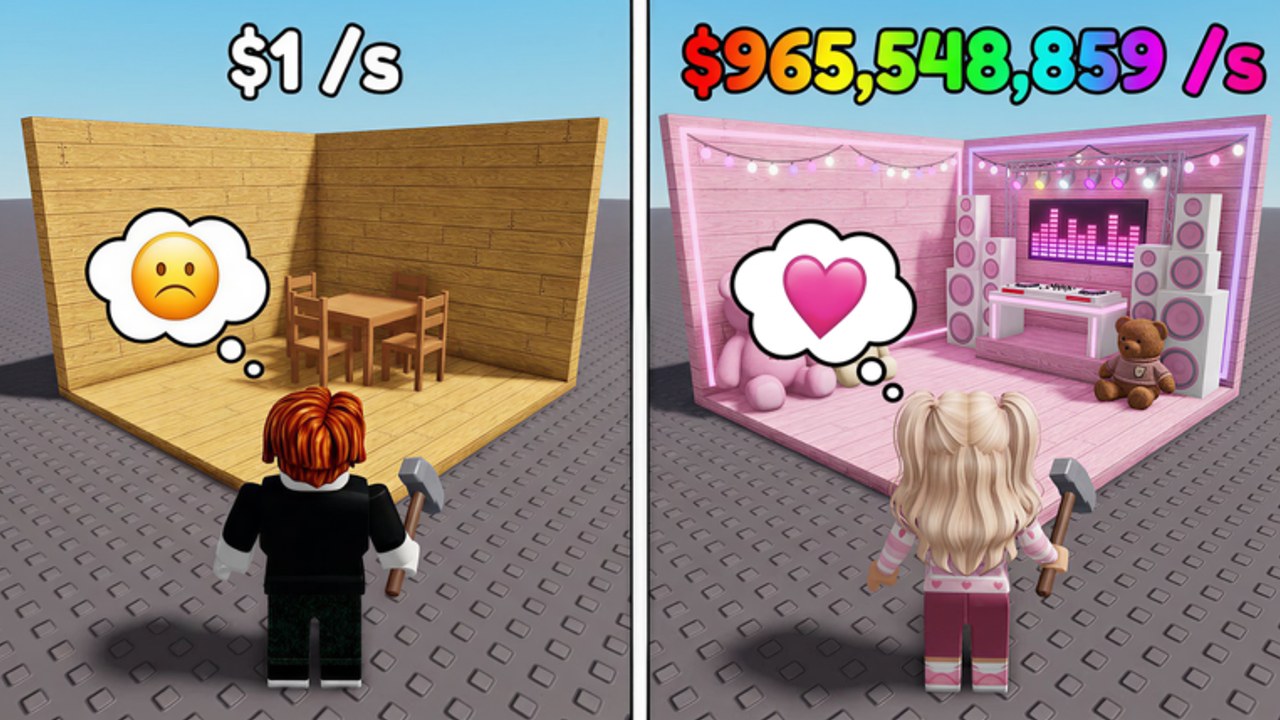
Redeeming codes in Make a Party is simple once you know the Exclusive Shop is nested under the main Shop, not on the party HUD. Miss that nesting and you will hunt for a nonexistent Codes button while Cash sits unused. This guide walks the live UI path, what success looks like, and how to spend the payout without stalling your first party.
Start from the live place: Make a Party on Roblox (Crazy Night! group, universe 10517428659). Join, wait for the base to load, then follow the steps below. Pair this with the Codes Hub for the current list and Codes Not Working if REDEEM fails.
Exact redeem steps
-
Open Shop (left side)
Look for the Shop control on the left of the screen. Open it before you touch Start Party or spin menus so the shop UI is not covered by party overlays. -
Scroll to Exclusive Shop (bottom)
The Exclusive Shop sits at the bottom of the Shop panel. Scroll past regular Cash and cosmetic offers until Exclusive Shop appears. Codes are not in the top tabs. -
Choose Enter Code
Inside Exclusive Shop, select Enter Code. That opens the text field for promo strings. -
Type the code carefully
Enter the code exactly as listed. Confirmed starter:RELEASE(Free Cash). Reported options to verify yourself:2MILVISITS(~20k) and10KLIKES(~10k). Avoid spaces before or after the string. -
Press REDEEM
Confirm with REDEEM. On success you should see Free Cash (or the stated amount) credit to your balance. If nothing happens, do not spam — wait a few seconds, then check Codes Not Working.
Desktop vs mobile quirks
On desktop, scrolling Exclusive Shop is easy with the mouse wheel. On mobile or tablet, drag the Shop list slowly; Exclusive Shop can sit below the fold and look like the Shop ended early. Rotate to landscape if the keyboard covers Enter Code, submit REDEEM, then dismiss the keyboard to confirm the balance tick.
If you use a touchpad on a laptop, avoid accidental two-finger scroll that closes the Shop mid-type. Keep the Shop open until REDEEM returns a clear success or fail message.
What to do right after Cash credits
Codes accelerate the core loop: Spin for Party Items → decorate base → Start Party → earn Cash/sec → expand house/conveyor → boombox, fame shop, boxes → rebirth → offline Cash. A Free Cash dump is wasted if you never start a party.
Recommended first ten minutes after RELEASE:
- Spin for items and place decorations that fill empty base slots.
- Hit Start Party so Cash/sec turns on.
- Upgrade conveyor or expand house when the next purchase clearly raises income.
- Hold a small Cash buffer before diving into boombox, fame shop, or boxes.
For the full beginner route, use Getting Started. For spending order and pacing, use Earn Cash Fast and the Party Cash Planner. Item value ranks live on the Tier List.
Codes worth redeeming first
| Priority | Code | Notes |
|---|---|---|
| 1 | RELEASE | Confirmed Free Cash — redeem first |
| 2 | 2MILVISITS | Reported ~20k — verify in-game |
| 3 | 10KLIKES | Reported ~10k — verify in-game |
Only mark a reported code as working for your account after you personally see REDEEM succeed. Community screenshots can lag behind a disable.
Milestone context for visit and like codes is on Launch and Milestones. Those codes often arrive after social targets; they are not forever strings.
Common mistakes while redeeming
- Searching the party HUD for a Codes button instead of Shop → Exclusive Shop.
- Stopping scroll before Exclusive Shop at the bottom.
- Typing lowercase/uppercase wrong or adding spaces (
RELEASEfails). - Redeeming before the base finishes loading, then assuming the code is dead.
- Spending the whole payout on boxes before Cash/sec is online.
If REDEEM returns an error, leave the field, rejoin once, and retry the confirmed code only. Full troubleshooting is on Codes Not Working.
Sibling and next links
Stay inside the codes category while you finish setup:
- Codes Hub — active list and status table
- Codes Not Working — failed redeem checklist
Then continue progression with Getting Started, Earn Cash Fast, Tier List, and Party Cash Planner. Optional automation after you understand the loop: Scripts Hub and CM Hub Script.
Frequently Asked Questions
Quick answers for Make a Party players.
Where is the code box in Make a Party?
Open Shop on the left, scroll to Exclusive Shop at the bottom, then choose Enter Code. Press REDEEM after typing.
Does RELEASE still work?
RELEASE is the confirmed Free Cash code. Redeem it first, then optionally verify reported codes like 2MILVISITS and 10KLIKES.
Why do I not see Exclusive Shop?
It sits at the bottom of the Shop list. Keep scrolling past regular offers. On mobile, drag slowly or try landscape.
Can I redeem the same code twice?
Usually once per account. A second try often fails even if the code is still active for new players.
What should I buy after redeeming?
Spin and decorate enough to Start Party, then expand house or conveyor for Cash/sec. Use Earn Cash Fast and the Tier List before heavy fame shop or box spending.