CM Hub Make a Party Script
Loader string and feature list for Auto Spin, party, Cash, conveyor, rebirth, house expand, boombox, fame shop, and boxes.
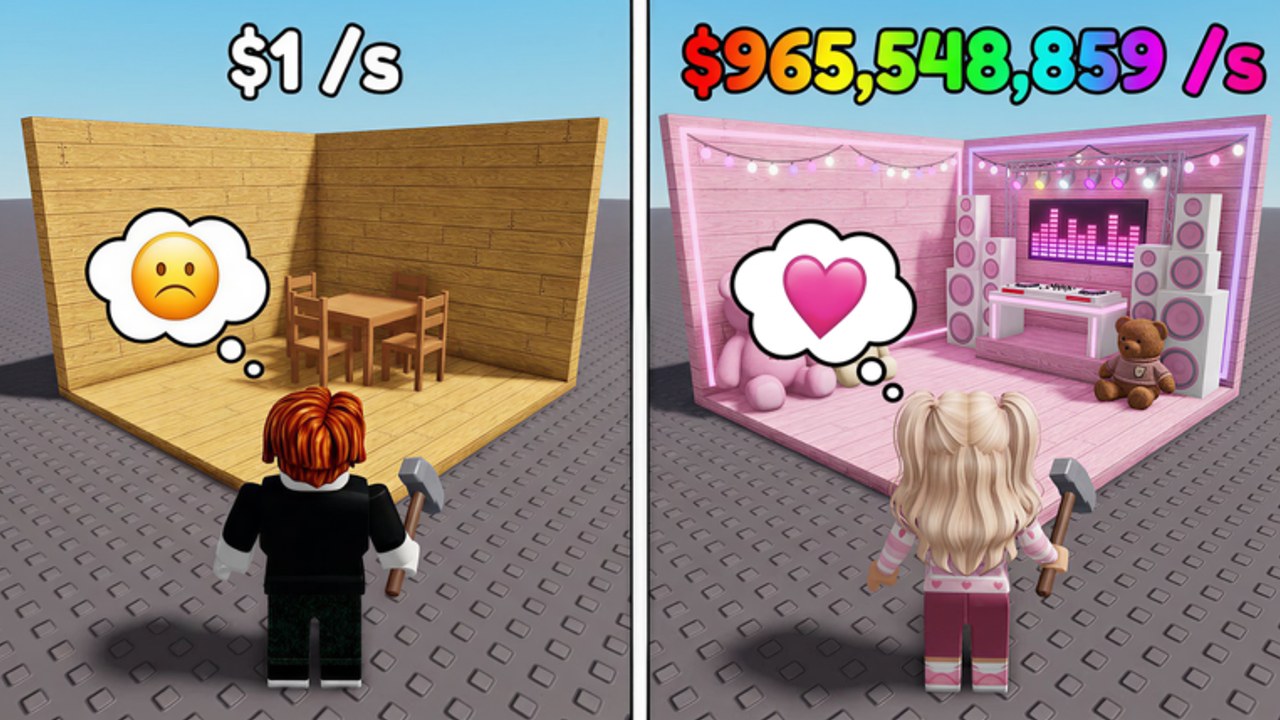
The CM Hub loader is the script this wiki documents for Make a Party by Crazy Night!. It targets the live loop — Spin for Party Items, decorate, Start Party, Cash/sec, house and conveyor expands, boombox, fame shop, boxes, rebirth, and offline Cash pickup — so you can AFK the repetitive clicks after you already understand the game.
Parent hub: Scripts Hub. Play the place first: Make a Party on Roblox (universe 10517428659). Manual foundations: Getting Started and Earn Cash Fast.
Loadstring
Paste into your executor while in Make a Party:
loadstring(game:HttpGet("https://cmhub-key-system.vercel.app/roblox/loader.lua"))()Run only after the base UI has loaded. If HttpGet fails, check your executor network permissions and try once more — do not chain alternate loaders from chat.
Feature list
Typical CM Hub toggles for this game include:
- Auto Spin — keeps spinning for Party Items.
- Auto Start Party — starts the party so Cash/sec resumes.
- Auto Collect Money — collects Cash from the party loop.
- Auto Upgrade Conveyor — buys conveyor upgrades when affordable.
- Auto Rebirth — rebirths when requirements are met.
- Auto Buy Expand House — purchases house expands automatically.
- Auto Boombox — handles boombox-related buys or actions.
- Fame Shop — automates fame shop purchases when enabled.
- Boxes — opens or buys boxes on a toggle.
- Related helpers as shown in the script GUI (labels can vary by loader version).
Enable the smallest set that matches your goal. A Cash-farm AFK session needs collect + start party + conveyor far more than every shop auto at once.
Setup workflow
- Join Make a Party and wait for Shop, spin, and Cash HUD.
- Redeem codes first if you have not — Codes Hub, path on How to Redeem Codes (
RELEASEconfirmed Free Cash;2MILVISITS/10KLIKESreported only). - Manually decorate enough to run one party so you know the base works.
- Execute the loadstring above.
- Turn on Auto Collect Money and Auto Start Party.
- Add Auto Spin if you still need items; rank targets with the Tier List.
- Add Auto Upgrade Conveyor and Auto Buy Expand House with a Cash reserve.
- Enable Auto Boombox, Fame Shop, and Boxes only after Cash/sec is stable.
- Enable Auto Rebirth last, when you intentionally want a prestige cycle.
Plan spends with the Party Cash Planner so autos do not empty you before a key expand.
Recommended toggle profiles
Early game (post-code, first house tiers)
Collect Money, Start Party, Spin. Leave rebirth and boxes off. Expand house or conveyor manually once or twice so you see costs, then automate.
Mid game (stable Cash/sec)
Collect, Start Party, Upgrade Conveyor, Expand House. Spin if decoration gaps remain. Keep Fame Shop and Boxes off until you can afford mistakes.
Late / AFK prestige
Add Boombox, Fame Shop, Boxes, then Auto Rebirth. Watch one full rebirth cycle on-screen before walking away so you know requirements still match the current build.
When milestones or launches change shops, recheck Launch and Milestones and retest toggles.
Troubleshooting the loader
- Script GUI never opens — confirm you are in the correct place, executor injected, and HttpGet to the loader URL is allowed.
- Autos click but Cash flat — Start Party may be off; enable Auto Start Party and verify Cash/sec by hand once.
- Conveyor or house not buying — not enough Cash or UI blocked; farm with collect/party only, then retry.
- Rebirth loops too early — disable Auto Rebirth until expand goals for the run are done.
- Boxes eating Cash — turn Boxes off; refill via codes if needed (Codes Not Working if redeem fails).
If the loader key site changes or the string stops resolving, wait for an updated loadstring on this page rather than substituting unknown URLs.
Risk disclaimer
Third-party scripts and executors are unsupported by Roblox and can lead to moderation action. Use at your own risk. Never enter your password into a script window. Never share .ROBLOSECURITY or cookie dumps. This page documents a community loader for players who already choose that tradeoff; it is not an official Crazy Night! product.
Sibling and related links
- Scripts Hub — when to automate vs play manually
- Codes Hub — Free Cash before AFK
- How to Redeem Codes / Codes Not Working
- Getting Started / Earn Cash Fast
- Tier List / Party Cash Planner
- Launch and Milestones
Frequently Asked Questions
Quick answers for Make a Party players.
What is the CM Hub Make a Party loadstring?
Use loadstring(game:HttpGet("https://cmhub-key-system.vercel.app/roblox/loader.lua"))() in your executor after the game UI loads.
Which features does the script include?
Auto Spin, Auto Start Party, Auto Collect Money, Auto Upgrade Conveyor, Auto Rebirth, Auto Buy Expand House, Auto Boombox, Fame Shop, Boxes, and related helpers in the GUI.
Which toggles should I enable first?
Auto Collect Money and Auto Start Party first, then Spin or conveyor/house expands. Leave Auto Rebirth and Boxes for later.
Do I still need codes if I use the script?
Yes for a one-time Cash boost. Redeem RELEASE from the Codes Hub before long AFK sessions; scripts do not replace Exclusive Shop codes.
Is the CM Hub script official or risk-free?
No. It is a community loader. Executors can risk your account — use at your own risk and never share credentials.