Make a Party Tools Hub
Checklists and planners for cash priority, stage goals, and rebirth readiness.
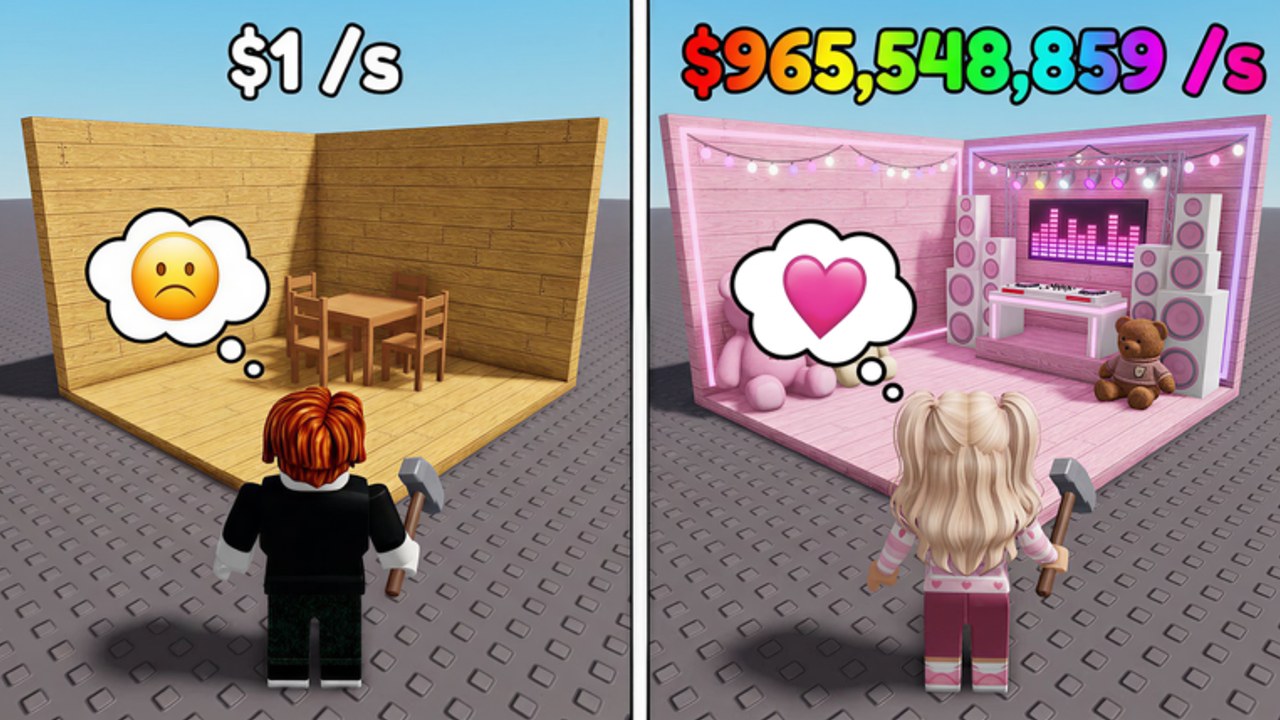
The Make a Party Tools Hub turns strategy into checklists you can run during a live Roblox session. Crazy Night!‘s party-base loop is simple to describe and easy to mis-spend: spin Party Items, decorate, Start Party for Cash/sec, expand the house, upgrade conveyor, buy boombox and fame shop gear, open boxes when you can afford misses, rebirth for multipliers, and bank offline cash between visits. Tools on this hub exist so you stop guessing mid-shop.
Place ID 82570142697239. These pages do not replace playing the client — prices and menus win when they disagree with text. They do replace vibes-only shopping.
Tools in this hub
- Party Cash Planner — interactive-style spend priority order, early/mid/late goals, and a rebirth readiness checklist you can tick in markdown.
When to open a tool instead of a guide
Open a tool when you already know the buttons but keep buying the wrong thing. If you still need the story of the loop, start with Getting Started and Earn Cash Fast. If you need relative item strength, use the Party Items Tier List and Boombox Tier List. If you want free cash first, redeem on the Codes Hub. If you care about patch timing, read Launch and Milestones.
How to run a planning session
- Redeem working codes (
RELEASEconfirmed) via how to redeem if you have not. - Write down your current bottlenecks: space, conveyor, boombox, fame shop, boxes, or rebirth.
- Open the Party Cash Planner and tick only the stage you are in.
- Cross-check keeps and sells with How to Spin and Decorate and item tiers.
- Cross-check audio spends with the Boombox Guide.
- If the climb is flat, use the rebirth section instead of doom-spinning — details also on How to Rebirth.
- Optional later: align AFK toggles with the same priorities on CM Hub Script.
What good planning looks like
Good planning keeps Start Party non-negotiable, spends code cash on progression, expands when placements are blocked, climbs boombox when it beats vanity, treats boxes as variance, and rebirths on purpose. Bad planning is a full wallet beside a ready conveyor upgrade, a themed C-tier museum, and a rebirth you clicked because chat said so.
Use official destinations on Official Links when you need the Roblox place or Crazy Night! group. For a broader take on who the game fits, see the Review. Parent strategy pages remain on the Guides Hub and Tier List Hub.
Stay current
Milestone patches can change costs and code drops. After a big update, re-run the planner checklist from the top instead of trusting last week’s order. Tools are only as sharp as your last verify-in-game pass. Bookmark this hub, keep the Party Cash Planner beside your Shop menu, and let Cash/sec remain the scoreboard.
Frequently Asked Questions
Quick answers for Make a Party players.
What tools does the Make a Party wiki offer?
Start with the Party Cash Planner for spend priority, stage goals, and a rebirth readiness checklist you can follow live.
Should I use tools before guides?
If you still need the loop explained, read Getting Started and Earn Cash Fast first. Use tools when you know the menus but mis-spend cash.
Do these tools include scripts?
No. Planning checklists are manual. Optional community automation is documented separately on the CM Hub Script page.
How often should I rerun the planner?
Every session you feel stuck, and again after milestone patches that change shops, boombox costs, or code rewards.