Make a Party Launch and Milestones
August 2026 launch window, RELEASE Free Cash, like/visit goals, and a practical update-tracking checklist.
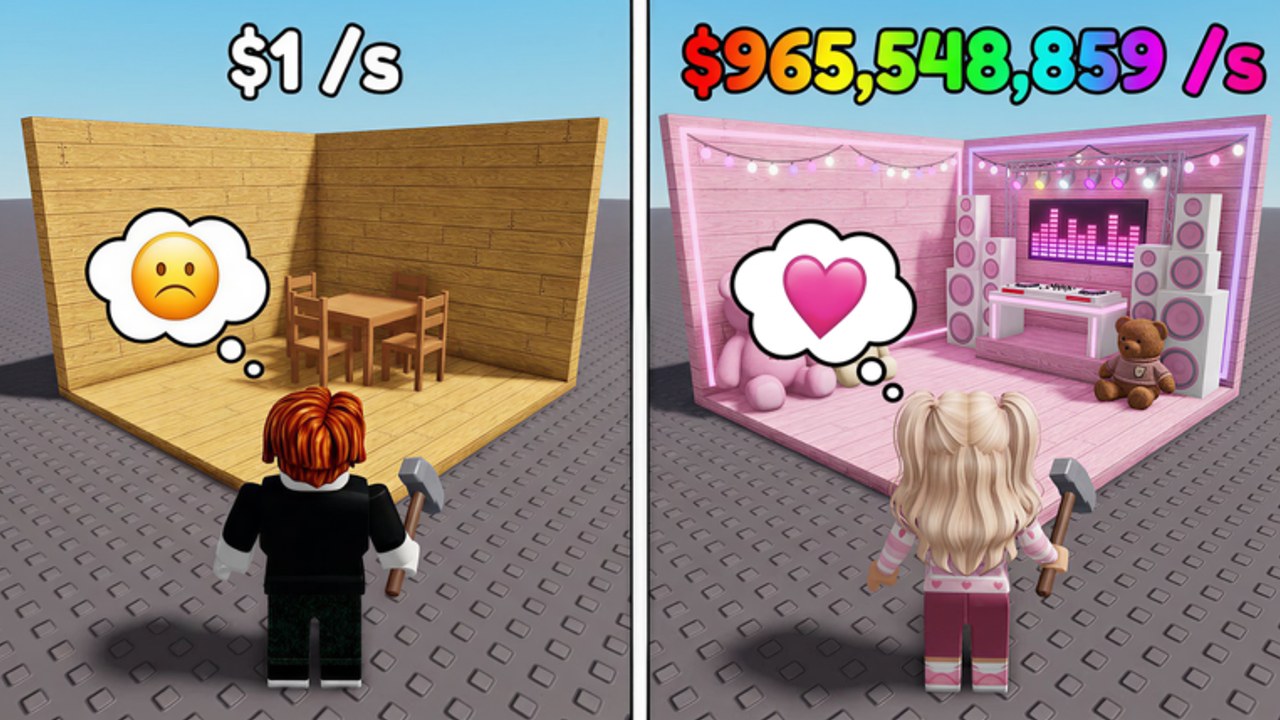
This page records the Make a Party launch window and the milestone habits that produce new codes and shop shakes for Crazy Night!‘s Roblox experience. Place ID 82570142697239. Use it when you want launch context, the confirmed RELEASE code story, like/visit targets (including the 30k likes signal called out in the game description), and a clean method to track updates without rewriting your whole economy every rumor.
Cross-links: Codes Hub, Likes, Visits, and Codes, Getting Started, Earn Cash Fast, Party Cash Planner, CM Hub Script, parent Updates Hub.
Launch window — August 2026
Make a Party entered Roblox play in the August 2026 launch window as a party-base progression game. The pitch players meet on day one is consistent across the wiki: spin for Party Items, decorate your base, Start Party to earn Cash/sec, expand the house, upgrade the conveyor, unlock boombox and fame shop routes, open boxes when variance is affordable, rebirth for multipliers, and claim offline cash between sessions.
Launch weeks usually mean:
- Fresh promo codes aimed at Free Cash.
- Rapid UI and price tuning while Crazy Night! watches retention.
- Social milestones (visits and likes) that unlock follow-up codes.
- Community script loaders adapting toggles to the live loop — optional, documented on CM Hub Script.
If you joined during launch week, prioritize redeeming codes and learning the loop from Getting Started before optimizing exotic layouts.
RELEASE code — confirmed Free Cash
RELEASE is the confirmed launch-era code for Free Cash. Redeem it in Shop → Exclusive Shop → Enter Code → REDEEM. Full UI detail sits on how to redeem. Status table and reported extras live on the Codes Hub.
Spend RELEASE cash like progression fuel:
- Spin enough to decorate and Start Party.
- Fix space or slot blocks with expands.
- Take cheap conveyor when it clearly helps.
- Buy the first sensible boombox step when it beats clutter spins.
- Leave boxes and vanity sets for later.
That order matches Earn Cash Fast and the Party Cash Planner.
Late August 2026 lists also circulate 10KLIKES and 2MILVISITS beside RELEASE. Treat those as working-on-lists until your Exclusive Shop accepts them. Full drip table: Likes, Visits, and Codes. Treat anything not marked confirmed as verify-in-game until your own redeem succeeds. Dead codes belong on codes not working troubleshooting, not in your spend plan.
Like and visit milestones — why new codes appear
Crazy Night! and many Roblox tycoon launches use social proof goals to drip Free Cash. The Make a Party game description highlights a likes-oriented milestone conversation around 30k likes as a community target players are pushed to support. Visit milestones (for example multi-million visit chatter in community code lists) follow the same pattern: hit a public number, drop a code, accelerate new players.
Practical milestone rules:
- Likes — smash the Roblox like button on the place if you enjoy the loop; watch description and group posts for the payoff code.
- Visits — you cannot force global visits alone, but you can recheck codes when the counter crosses round numbers.
- Timing — new codes often appear near the goal, not always at the exact second the counter flips.
- Expiry — milestone codes can die quietly; retest instead of assuming forever.
When a milestone drops, update your mental codes table, redeem immediately, then dump the cash through the planner — do not park Free Cash while your party is off.
How to track updates (checklist)
- Open the live Roblox place and read the current description for new goals or code hints.
- Check Crazy Night! group shoutouts and related social posts via Official Links.
- Retest known codes on the Codes Hub after every visible place update.
- Note shop price changes that affect boombox vs expand math (Boombox Guide, How to Expand Base).
- Re-rank item keeps if drop feel changed (Party Items Tier List).
- Re-rank boombox priority if costs moved (Boombox Tier List).
- Skim rebirth requirements before a prestige (How to Rebirth).
- If you automate, retest CM Hub Script toggles on a short supervised session.
- Capture what actually changed in your own notes so rumor does not overwrite evidence.
What launch patches usually change first
Promo code lists. Exclusive Shop copy. Early expand and conveyor curves. Boombox ladder affordability. Box value. Fame shop exclusives. Tutorial or button placement (recheck Controls if menus moved). Cosmetic bundles that tempt bad spends — ignore those until income is stable.
Player playbook by milestone phase
Pre-goal grind. Like the game, share if you want, keep climbing with normal priorities. Goal reached / code posted. Redeem within the session, then follow the master spend order. Post-goal quiet. Assume codes can expire; keep RELEASE noted as historical if it dies, and watch for the next like/visit card in the description.
Related reading
Parent hub: Updates Hub. Opinion on the loop: Review. Official destinations: Official Links. Strategy anchors: Guides Hub and Tier List Hub. Launch knowledge is only useful when it changes what you buy today — redeem, replan, then play.
Frequently Asked Questions
Quick answers for Make a Party players.
When did Make a Party launch?
The experience entered Roblox play in the August 2026 launch window as Crazy Night!'s party-base progression game.
What is the confirmed launch code?
RELEASE is confirmed for Free Cash. Redeem it in Exclusive Shop, then spend on progression using Earn Cash Fast priorities.
What is the 30k likes milestone?
The game description highlights a likes-oriented community goal around 30k likes that players watch for follow-up code drops.
How do visit milestones affect codes?
Round visit targets often coincide with Free Cash codes. Recheck the Codes Hub when counters jump and verify in-game.
How should I track updates after launch week?
Watch the Roblox place description and Crazy Night! group signals, retest codes after patches, then adjust planner and tier priorities.